Product Design
SaaS Onboarding UX: Design for the First Useful Action
An onboarding review for product and growth leads, with a first useful action per role, a setup triage table, empty state checks and an observation and event map.

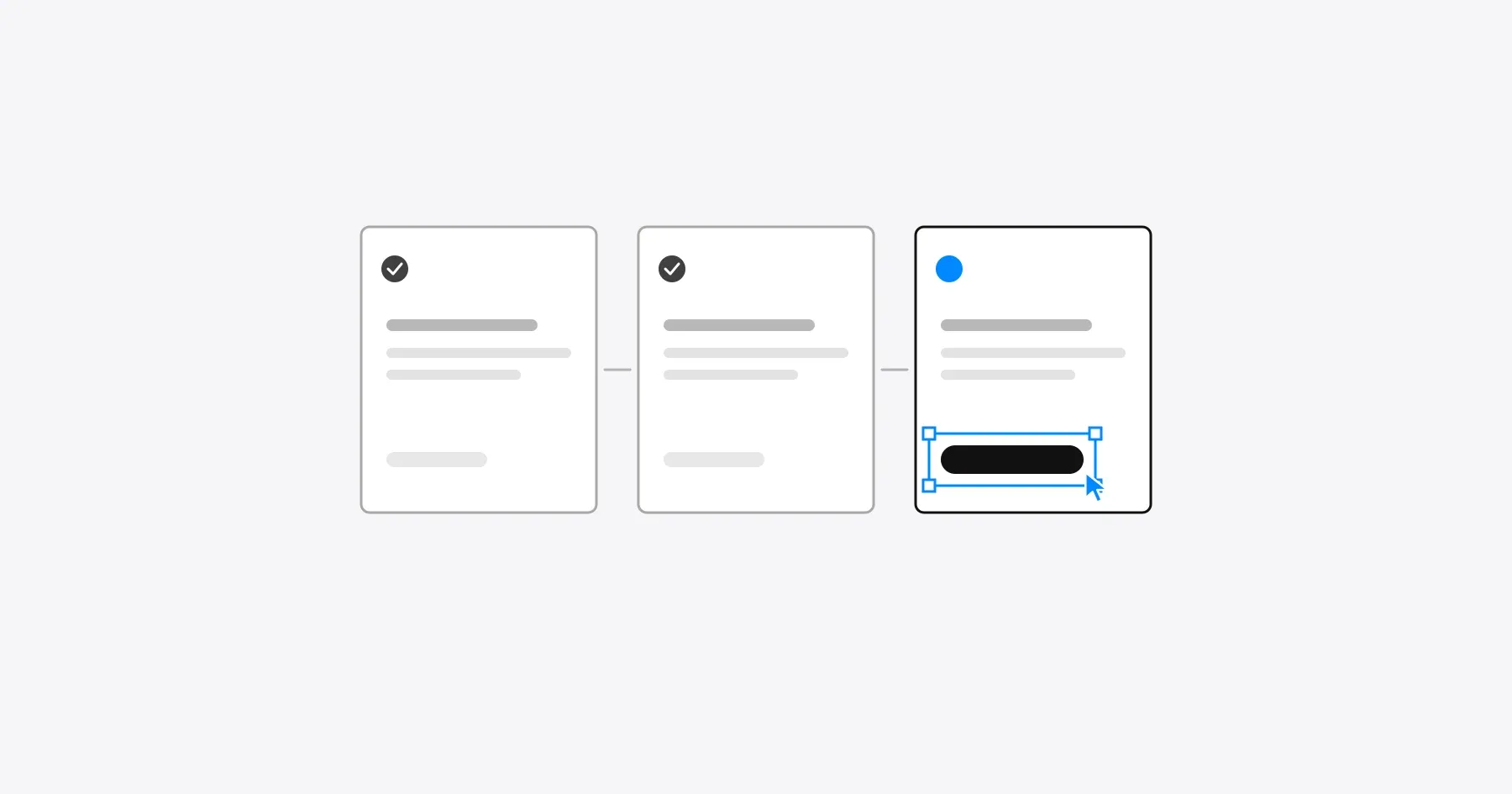
SaaS onboarding works when each role reaches its first useful action, the smallest task that delivers the product’s value, with only the setup that task requires. Everything else, from inviting teammates to configuring integrations, can wait until after that moment.
This guide is for product and growth leads reviewing onboarding in a web SaaS product with workspaces and roles. It shows how to define the first useful action for each role, decide which setup steps belong before it, fix the screens new people meet first and measure completion honestly. For the wider review that onboarding sits inside, start with the SaaS UX audit.
The stakes are visible in benchmark data. In Userpilot’s 2025 benchmark of 62 SaaS companies, the average activation rate was 37.5%, ranging from about 5% in fintech to 54.8% in AI and machine learning products. Companies define activation differently, so the useful comparison is your own rate before and after a change.
Define the first useful action for each role
Define the first useful action as the first task in which a person gets value they came for, then define it separately for each role. An administrator setting up a workspace and a teammate who was just invited arrive with different jobs, so one onboarding flow rarely fits both.
The examples use a fictional tool that helps procurement teams track vendor contracts and renewals.
| Role | First useful action | Setup it needs | Event that shows it happened |
|---|---|---|---|
| Procurement lead (creates the workspace) | Add a contract and set a renewal reminder | Workspace name, one contract | reminder_set |
| Finance approver (invited) | Review the renewals due this quarter | Access to the workspace | renewals_viewed |
| Team member (invited) | Comment on a contract they own | Access to one contract | comment_added |
| IT reviewer (invited later) | Check which tools are connected | Admin view permission | integrations_viewed |
Write the action as a task with a visible result, not as a feature tour. “Set a renewal reminder” can be completed and measured. “Learn about reminders” cannot.
Separate setup requirements from optional guidance
Ask only for what the first useful action needs before that action, and move everything else after it. Each extra step before value is a step at which a new person can leave.
| Setup item | Needed before the first useful action? | When to ask |
|---|---|---|
| Account email and password, or single sign-on | Yes | At sign-up |
| Workspace name | Yes | At sign-up, prefilled from the email domain |
| First contract | Yes | Right after sign-up, with a sample contract to try instead |
| Invite teammates | No | After the first reminder is set |
| Import all existing contracts | No | When the person returns with more work |
| Connect accounting tools | No | From the integrations page, prompted by a relevant task |
| Notification preferences | No | Sensible defaults, adjustable later |
| Profile photo and job title | No | Never during onboarding |
Offer sample data when real data takes time to gather. Label it clearly, keep it out of reports and make it removable in one action.
Guidance belongs next to the task it explains. Nielsen Norman Group’s review of onboarding tutorials and contextual help reports that tutorials interrupt people, do not necessarily improve task performance and are quickly forgotten. Contextual help that appears when it is needed, and can be dismissed and found again, does the same job without the interruption.
Review empty states, permissions and progress
Review every screen a new person can land on before their first useful action, because empty screens, missing permissions and unclear progress stop more people than long forms. Each of these screens should say what to do next and offer the action that does it.
| Moment | What to check | A good pattern |
|---|---|---|
| Empty workspace | The first screen explains its purpose and offers the first action | “Add your first contract” with an upload and a sample option |
| Invited person without access | The screen explains what is missing and who can grant it | A request access button that notifies the admin |
| Pending invitation | The admin can see who has not joined | A resend option and the invite date |
| Progress | The checklist leads to the first useful action, not to every feature | A short list in which every step can be completed now |
| Failed import | The error names the file and the problem | Keep the valid rows and list the rows to fix |
| Returning before finishing | The product remembers where the person stopped | Resume at the unfinished step |
Test each moment with a new account for every role, including an invited person whose admin has not finished setup. Those mixed states are where onboarding most often breaks.
Map the journey with observation and events
Map onboarding step by step, pairing what you observe in sessions with the event that records each step. The map shows where people stop, and the observations explain why, which events alone cannot.
| Step | What the person sees | Event | What to observe |
|---|---|---|---|
| Sign up | Email or single sign-on | signup_completed | Hesitation at password rules or company fields |
| Name the workspace | Prefilled name | workspace_created | Whether people change it or skip ahead |
| Add the first contract | Upload or sample contract | contract_added | Which option people choose, and why |
| Set a renewal reminder | Date picker on the contract | reminder_set | Whether the reminder date is understood |
| Invite a teammate | Invite prompt after the reminder | teammate_invited | Whether the prompt feels timely or in the way |
Watch five sessions per role with people who match your buyers, the round size Nielsen Norman Group recommends in why you only need to test with five users, then compare the notes with the event funnel. A drop between contract_added and reminder_set tells you where, and the sessions tell you whether the date picker, the wording or the value of reminders is the problem.
Measure task completion without assuming causation
Measure the share of each role that completes its first useful action within a set window, and the time it takes, then compare cohorts before and after a change. Report the change as a correlation unless you ran a controlled test.
- Completion rate by role. The share of new accounts in each role that complete the first useful action within, for example, seven days.
- Time to first useful action. The median time from sign-up to that action, by role.
- Drop-off by step. The largest fall between two adjacent events in the map.
- Return after the first action. Whether people come back to repeat the task, which shows the value was real.
A higher completion rate after a redesign can come from a seasonal change, a pricing change or a different traffic source. Keep a change log next to the metrics, and run an A/B test when a decision depends on knowing the cause.
Frequently asked questions
What is the first useful action in SaaS onboarding?
The first useful action is the first task in which a new person gets the value they came for, such as setting a renewal reminder in a contract tool. It is defined per role and written as a task with a visible result.
Should SaaS onboarding use a product tour?
Use a product tour only for interactions people have not seen before. Nielsen Norman Group reports that tutorials interrupt users and are quickly forgotten, so contextual help placed next to the task usually works better.
When should a product ask users to invite teammates?
Ask after the first useful action, when the person has seen the value they would share. An invitation prompt before that point adds a step that does not help the person who is setting up.
What is a good SaaS activation rate?
Userpilot’s 2025 benchmark of 62 SaaS companies reports an average activation rate of 37.5%, ranging from about 5% to 54.8% by industry. Companies define activation differently, so track your own rate over time rather than chasing a benchmark.
How do I know an onboarding change worked?
Compare completion of the first useful action for cohorts before and after the change, by role, and check that people return to repeat the task. Treat the result as a correlation unless a controlled test isolated the change.
Discuss your onboarding workflow
Bring your sign-up flow and the first task your customers need to complete. Explore how Gestures approaches SaaS UI and UX design, and we can review the path from sign-up to the first useful action for each of your roles.
Working through a decision like this?
Bring your current product or website and we can discuss what needs attention.
Keep reading