Product Design
SaaS Product Redesign or Targeted UX Fixes?
A decision matrix for choosing between targeted UX fixes, a staged redesign and a broader SaaS product redesign.

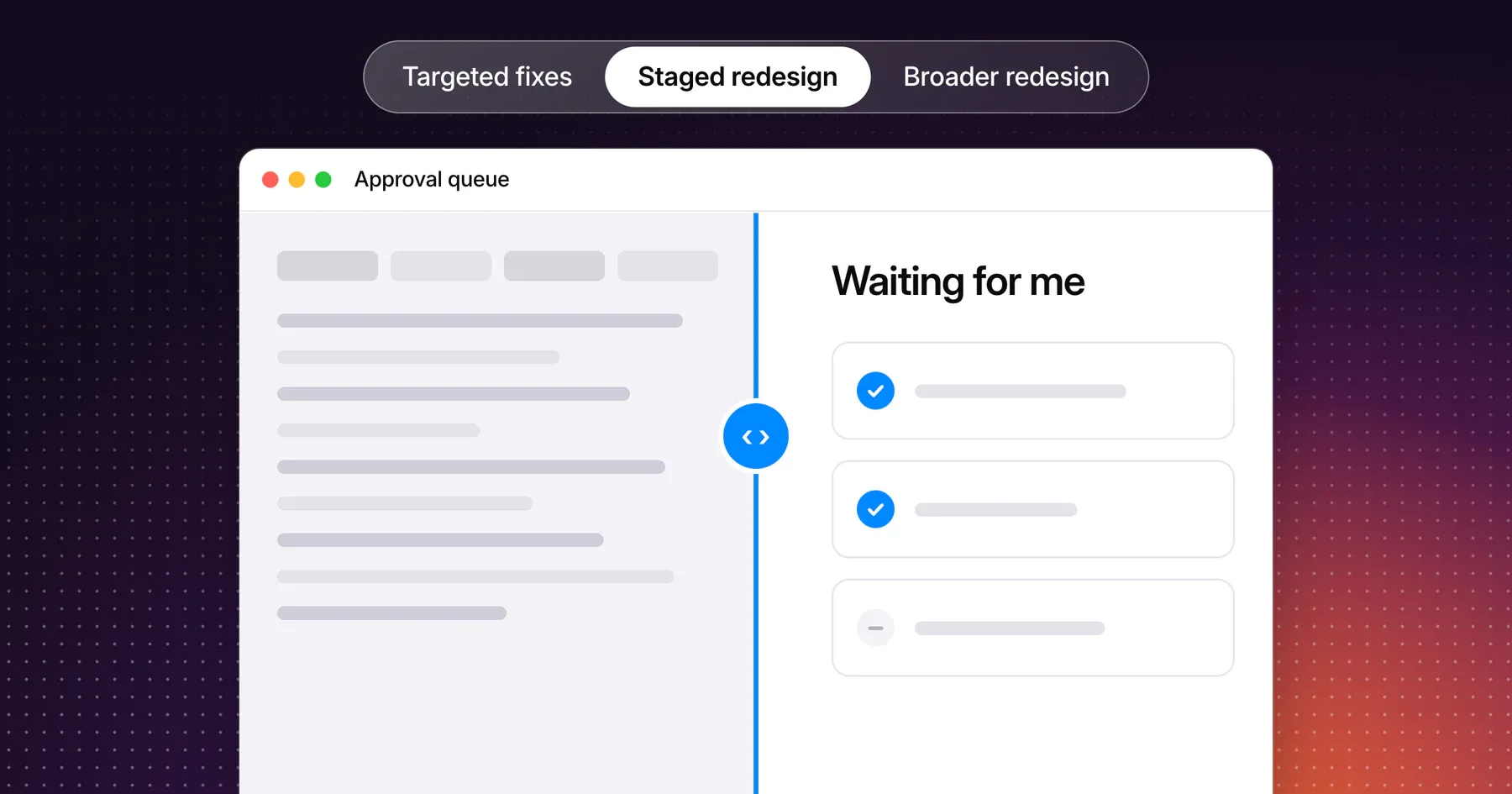
Choose a targeted UX fix when an important task has a reproducible problem and the surrounding workflow works. Choose a staged redesign when the same underlying problem affects several connected workflows. Consider a broader redesign when the product’s structure repeatedly conflicts with how its core users work and smaller changes cannot resolve that conflict without creating new inconsistencies.
The decision starts with a task someone struggles to complete. Find where the problem begins, which other tasks depend on that part of the product and what evidence would justify touching a wider area.
Identify whether the issue is visual, structural or task-specific
A visual problem can make an action hard to see or a status hard to interpret. A task-specific problem interrupts a defined job, such as inviting a teammate or correcting a failed import. A structural problem sits in the relationships between tasks, records or roles. It may appear across navigation, search and reporting because those areas depend on the same underlying model.
Begin with a concrete observation. “The dashboard feels dated” describes a reaction. “Workspace administrators cannot tell which requests are waiting for their approval” gives you a role, a decision and something you can investigate.
Follow the task from the user’s starting point to its intended outcome. Check whether the issue appears elsewhere and whether those instances share a cause. Repeated confusion can come from one shared label, one component or a deeper mismatch in the product model. If you still need to gather observations, start with the SaaS UX audit checklist.
Compare scope against evidence and dependencies
| Problem you can describe | Evidence to look for | Dependencies to check | Scope to consider |
|---|---|---|---|
| A status is difficult to distinguish in an otherwise usable list | Reproduce the issue under the relevant conditions and check whether users can identify the status | Shared badge, color, label and accessibility behavior | Update the relevant presentation or shared component |
| A failed import forces a user to start again | Reproduce the failure and establish which work is lost | Validation, saved state, retry behavior and duplicate records | Fix the import workflow and verify its failure states |
| Different areas use conflicting terms for the same object | Identify the terms and check whether people can connect the records across tasks | Navigation, search, help content, notifications and saved views | Standardize the terms and release connected changes in stages where needed |
| Core roles cannot work within the existing workspace and record model | Observe the conflict across multiple representative tasks and examine why local changes have failed | Permissions, URLs, reporting, integrations and customer migration | Test a structural redesign with a representative workflow before expanding it |
Use the matrix as a way to make assumptions explicit. Severity affects urgency. Shared dependencies and evidence about the cause affect how widely the change needs to reach. A severe error in one form may require an urgent fix with a narrow scope.
Protect workflows that already work
List the tasks your users need to keep completing through the change. Record their starting points, shortcuts, saved views and outcomes. Include recurring work that rarely appears in demos, such as bulk updates, exports or reopening a record from a notification.
For each workflow you intend to preserve, write one acceptance check. For example, an operations lead who opens an existing saved view should still reach the intended set of records, or receive a clear replacement path if that view must change. Ask engineering to verify whether the change affects links, permissions or integrations that customers depend on.
Review the first release with the people who own support and rollout. Agree how existing users will learn what changed and how the team will respond if a core task breaks. A staged release works best when each stage leaves users with a complete path through their work.
A worked example from one queue to a wider redesign decision
Consider an illustrative B2B product where operations leads assign incoming requests. The team starts with a report that leads miss requests waiting for their approval. This scenario is fictional.
| Step | Before | Proposed change | Reason |
|---|---|---|---|
| Find requests to review | The queue includes a broad “Open” filter | Add a view for “Waiting for my approval” using the existing assignment rules | Make the next decision visible without changing those rules |
| Open and return from a request | Returning from a detail page clears the active filter | Preserve the selected view when returning to the queue | Let the lead continue reviewing the same set of requests |
| Check the wider dependency | Other views use their own labels for approval and ownership | Compare the meaning of those labels across search, notifications and reports | Establish whether a shared model needs attention before expanding the scope |
The first two changes can be tested within the queue. Give a representative lead a workspace with several requests and ask them to find the next one to review, open it and return to the queue. Check whether the visible results match the real assignment rules.
If those rules give contradictory answers across several surfaces, investigate the model underneath them. A staged redesign could first establish a consistent definition of approval and ownership, then update the queue and the related views that use it. If the assignment rules already agree and the confusion is isolated to the queue, the targeted change has a clear boundary.
Define what evidence would change the decision
Write a decision before committing a whole roadmap to it. Include the current choice, the observations that support it and what would make you revisit it.
| Decision field | Example for the approval queue |
|---|---|
| Proposed scope | Improve the approval view and preserve its state |
| Evidence required | Leads can identify the requests they own under representative roles and data |
| Keep working | Existing saved views, notification links and permission boundaries |
| Expand scope if | The same ownership conflict appears in search, notifications and reports and traces back to shared rules |
| Reassess after | A walkthrough of the updated journey and a review of the agreed task signals |
Choose signals that correspond to the problem. For the queue, those might include correct identification of the next request, successful return to the same view and fewer steps spent recovering the filter. Record a baseline if you have one. Where observations are limited, describe what you still need to learn before attributing a change in activation, retention or revenue to the design.
Frequently asked questions
When is a full SaaS product redesign worth considering?
A full redesign is worth it when recurring problems across essential journeys have a shared structural cause, such as a workspace model that no longer fits how customers operate. Verify the cause with representative tasks, identify what needs to be preserved and test the new structure before committing to migration.
Can a redesign be delivered in stages?
Yes. A stage can improve one complete workflow while preserving neighboring tasks. Establish what each stage changes, how users move between the old and new experience, and which conditions must be met before the next stage begins.
Do inconsistent screens require a product redesign?
Usually not. First check whether the inconsistency comes from a shared component, visual pattern or label. A coordinated component update may resolve it across several screens. If those screens represent conflicting rules or different definitions of the same object, investigate the structure before choosing the scope.
Discuss your product redesign scope
Bring a workflow that needs attention, a few observations and the parts of the product your customers rely on today. Gestures can discuss the scope and dependencies with your team. Explore product redesign services.
Working through a decision like this?
Bring your current product or website and we can discuss what needs attention.
Keep reading