Website Design
SaaS Website Structure: Map Pages to Buyer Questions
A page map for marketing leads planning a SaaS website, with one job per page type, a page-to-question table and a lean first sitemap.

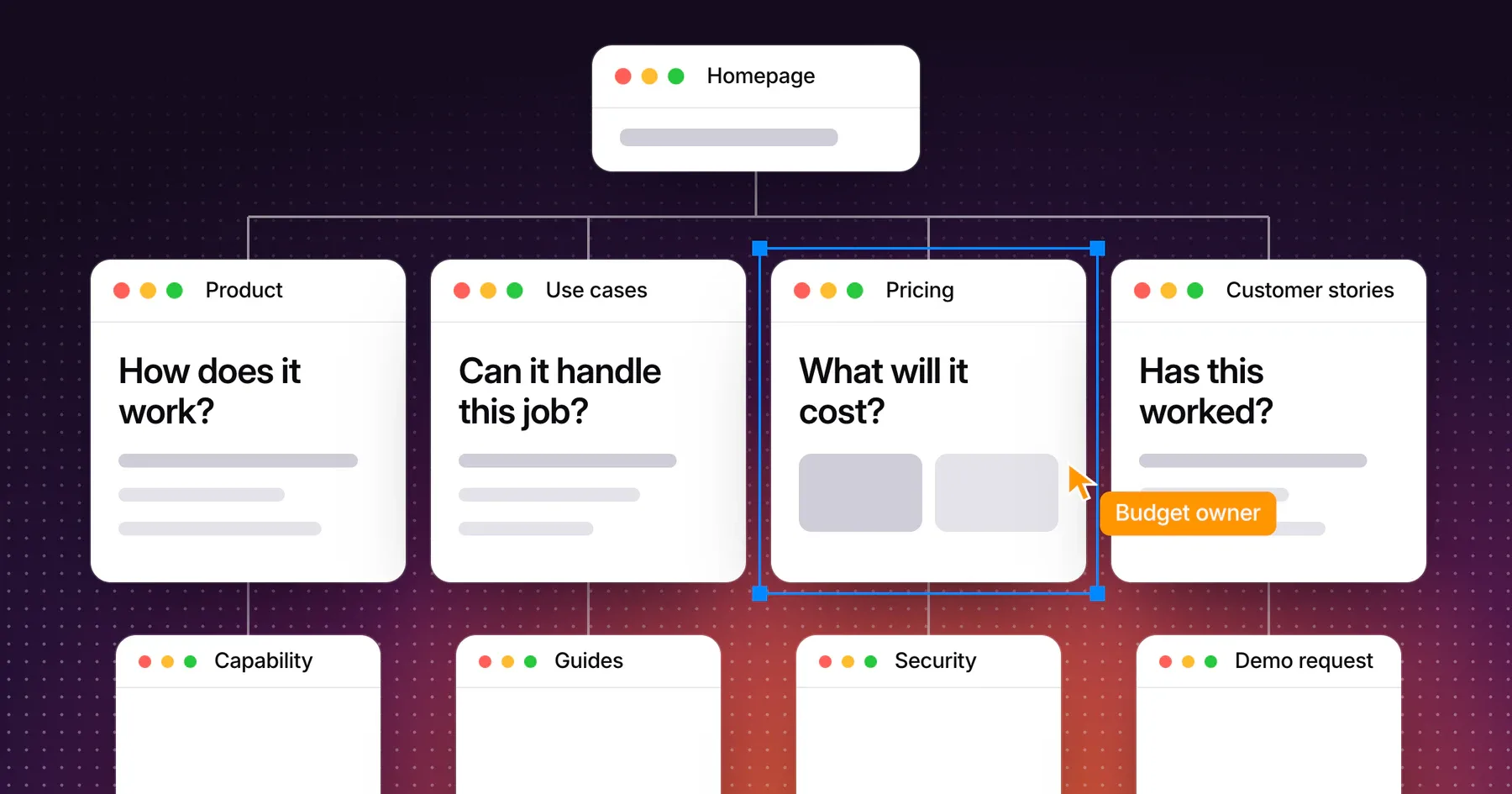
A strong SaaS website structure gives every page one buyer question to answer, one role to serve and one next step to offer. Start with the questions your buying group asks, assign each page type a distinct job, then link product, use-case, pricing and proof pages in the order a real evaluation moves. A lean first release covers those jobs in about ten page groups.
This guide is for marketing leads planning the information architecture of a B2B SaaS website. It includes a page map you can copy, a link plan and a fictional first sitemap. If you are still defining the scope of a redesign, start with the SaaS website redesign brief. The brief defines the project. The page map defines how the site is organized.
List the questions your buying group needs answered
Write down each role involved in the decision and the questions that role must settle before the deal can move. A page map built from those questions holds up as the product grows, because new features change the answers more often than they change the questions.
Most B2B SaaS evaluations pass through three stages: is this relevant, will it work for us, and can we approve it. Each role asks something different at each stage.
| Role | Is this relevant to us? | Will it work for us? | Can we approve it? |
|---|---|---|---|
| Team lead or daily user | Does it handle the work my team does every week? | How would our workflow change? | How long until the team is using it? |
| Budget owner | Which business problem does it solve? | Who like us already uses it? | What will it cost, and what changes the price? |
| Technical evaluator | What does it connect to? | How does setup and data sync work? | What will we have to administer and support? |
| Security or procurement reviewer | Does this vendor serve companies with our requirements? | How is our data stored and protected? | Which documents and terms can we review? |
Collect the real wording from sales call notes, demo recordings, support tickets, lost-deal reasons and Search Console queries. Keep the buyer’s vocabulary. If prospects say “renewal reminders” and your team says “obligation management,” the page needs the prospect’s term.
Sort the questions before you name pages
Merge duplicates, mark which role asks each question and record whether an approved answer exists today. A question with no approved answer goes to the product or legal owner first. A question only one prospect ever asked belongs in a FAQ or a sales document, and it does not need a page.
Assign one distinct job to each page type
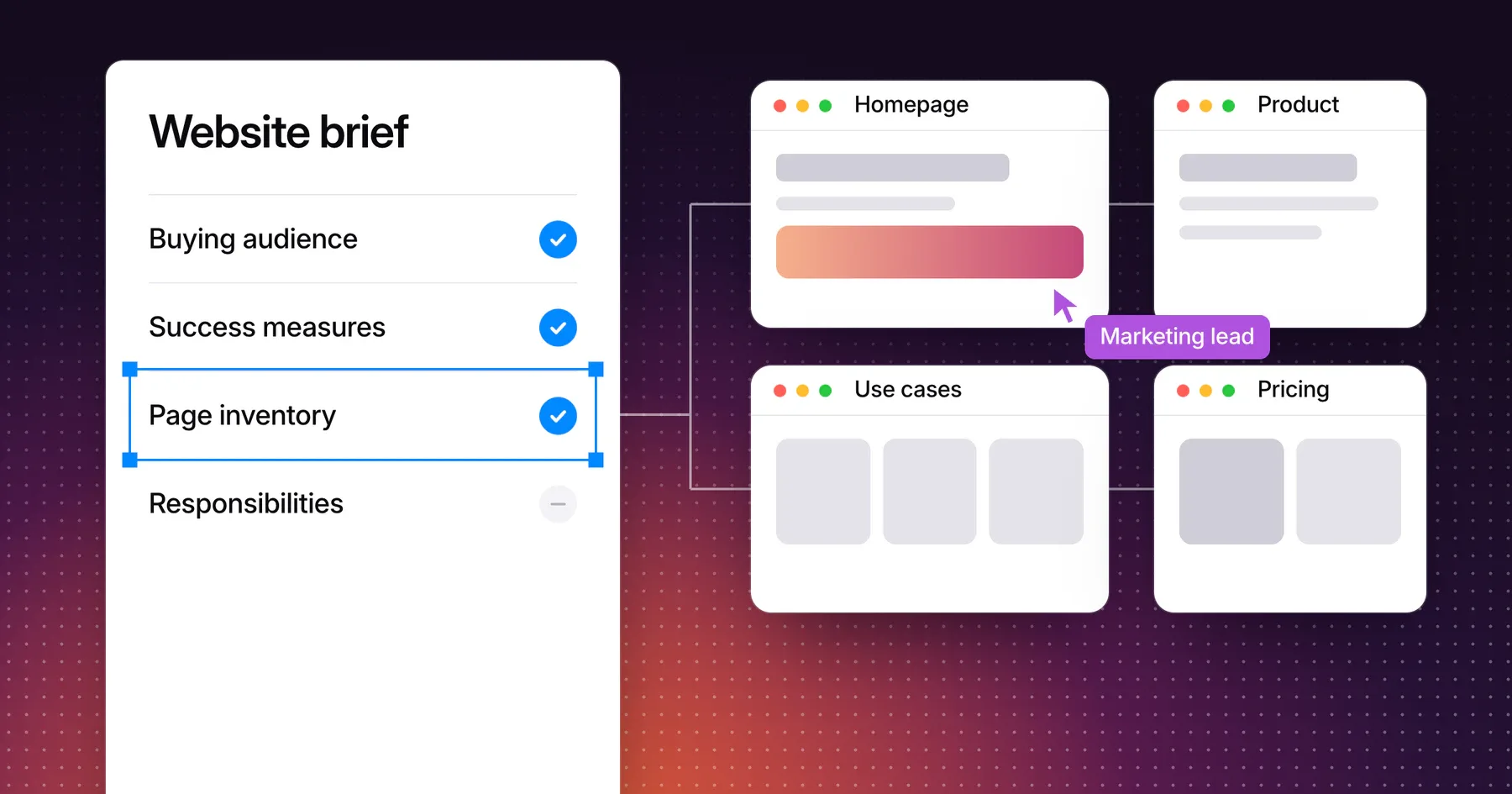
Give each page type a job no other page type does. Use this map as the working document for your own site, and replace the examples with the questions you collected.
| Page type | Target role | Question it answers | Proof it needs | Next step |
|---|---|---|---|---|
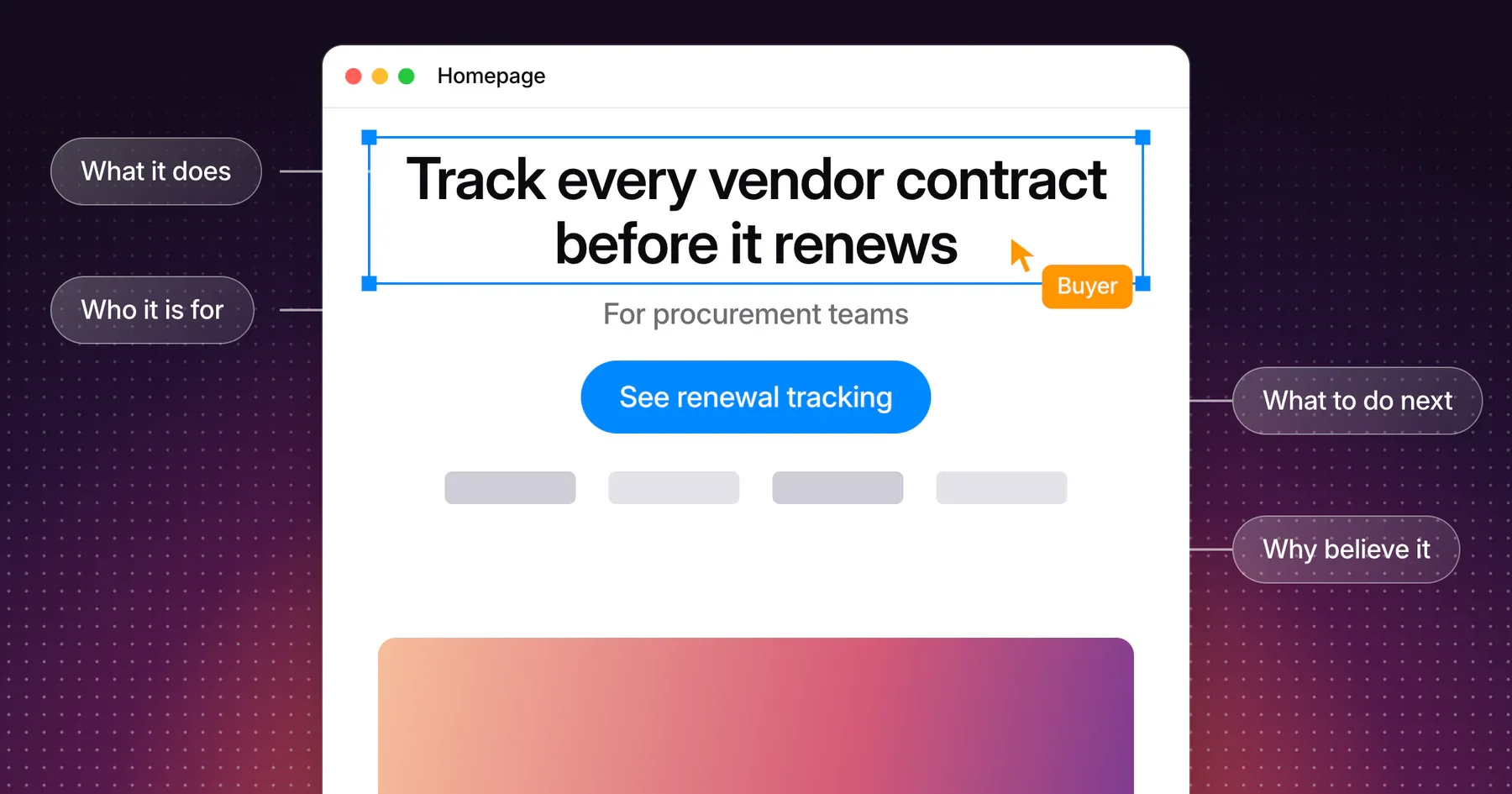
| Homepage | Every first-time visitor | What is this, and is it for us? | A clear view of the product and who already uses it | Product overview or the closest use case |
| Product overview | Team lead, budget owner | How does the product work from start to finish? | Real screens of the core workflow | Capability page or demo |
| Capability page | Team lead, technical evaluator | How does this part work in detail? | Annotated screens, limits and related integrations | Use case or pricing |
| Solution page | Budget owner in one segment | Is this built for a company like ours? | A customer story and requirements from that segment | Customer story or demo |
| Use-case page | Team lead | Can it handle this specific job? | The steps of the job and an example output | Capability page or demo |
| Integrations | Technical evaluator | Does it connect to the tools we use? | Supported tools, sync direction and setup requirements | Documentation or demo |
| Security | Security or procurement reviewer | Can we approve this vendor? | Certifications you actually hold, data handling and a way to request documents | Request security documents |
| Pricing | Budget owner | What will it cost, and what changes the price? | Plans, limits and sample scenarios | Trial or sales conversation |
| Customer stories | Budget owner, team lead | Has this worked for a company like ours? | A named customer, the situation and what changed | Demo |
| Demo request | Anyone ready to talk | What happens after we ask? | Who responds, what the call covers and how long it takes | Submit the request |
| Guides | Early researcher | How do we solve this problem? | Original examples and cited sources | Related use case |
The homepage carries the heaviest load in this map, so run it through a SaaS homepage clarity checklist once its job is set.
The proof column decides whether a page is ready. When the proof does not exist yet, record the gap and hold the page. A product-led company can replace the demo request with a signup page and keep the rest of the map.
Separate product, solution and use-case pages
These three page types blur most often. Each one is organized around a different thing:
- Product and capability pages are organized by what the software does. The title is a thing: “Renewal tracking.”
- Solution pages are organized by who buys. The title is an audience: “For legal teams.”
- Use-case pages are organized by the job. The title is a task: “Onboard a new vendor.”
To test a page, cover its headline and read the body. If the same body could sit under another audience or task with no real edits, those pages share one job and should be merged.
A smaller company rarely needs both solution and use-case pages. Choose the axis your buyers use to describe themselves. If they introduce themselves by industry or team, build solutions. If they open with the job they need done, build use cases. Add the second axis once it has its own content and proof.
Give a feature its own page only when it earns one
A feature earns a URL when buyers ask for it by name, its explanation no longer fits on the parent page, and you can show real screens and limits. Everything else stays a section on a capability page. One thin page per feature splits a single explanation across many URLs, and readers land on pages that say almost the same thing.
Connect product, use-case, pricing and proof pages
Link each page to the next question its reader is likely to ask, and write link text that names the destination. Nielsen Norman Group advises labels that are clear and self-explanatory, and warns against vague labels such as “Learn more.” Google’s SEO starter guide also recommends descriptive link text, which helps people and search engines understand the linked page.
| From | Reader’s next question | Link to | Example link text |
|---|---|---|---|
| Homepage | What does it actually do? | Product overview | See how contract renewals work |
| Product overview | Will it fit my situation? | Use-case page | Onboard vendors without spreadsheets |
| Use-case page | Which capability makes this possible? | Capability page | How renewal tracking works |
| Capability page | Has anyone done this already? | Customer story | Read a procurement team’s story |
| Customer story | What would it cost us? | Pricing | Compare plans and limits |
| Pricing | Can our reviewers approve this? | Security | Review security and data handling |
| Security | Who can answer the rest? | Demo request | Book a demo with your security questions |
The example labels come from the fictional contract tool described later in this guide. Treat the route as a default, and let your sales conversations show where buyers actually jump around.
Put proof next to the claim
Most readers meet a claim on a product or use-case page, so place the relevant quote, screenshot or customer story on that page and link to the full story from there. A customer library still earns its place as the home for complete stories and as a stop for people who go looking for them.
Make pricing reachable from every evaluation path
Put pricing in the primary navigation and link to it from customer stories and capability pages. In a 2013 article drawn from usability studies with business customers, Nielsen Norman Group reported that those customers named pricing as the information they most need online, and that participants left sites that hid it. Where exact prices are impractical, it recommends sample prices, ranges or a few representative scenarios over complex calculators.
A sales-led company can do this without publishing a quote. Show the plans, the limits and the factors that change the price, then say what happens when a visitor asks for a number.
Keep the primary navigation short
Five labels cover most SaaS sites: Product, Solutions or Use cases, Pricing, Customers and Resources, with the demo or signup button beside them. Integrations and Security can sit inside the Product menu and in the footer. Name each label with the words buyers use, and avoid branded feature names they will not recognize.
Choose a lean first sitemap
Launch the pages you can fill with real answers and proof, and add the rest when buyers give you a reason. A page qualifies for the first release when it passes four checks: it answers a distinct question, a known role asks that question, the proof exists, and someone owns keeping it current.
The product in this example is fictional and unrelated to any real company, website or Gestures client. Picture a B2B tool that helps procurement teams track vendor contracts and renewals. Procurement leads use it daily, finance directors approve it and IT reviews the integrations and security. The team has two customer stories approved for publication, three jobs buyers mention often, and no proof yet for a second segment.
| Page | Example URL | Job | Release |
|---|---|---|---|
| Homepage | / | Explain the product and who it serves | First |
| Product overview | /product | Show the contract workflow from start to finish | First |
| Renewal tracking | /product/renewal-tracking | Detail the capability buyers ask about by name | First |
| Vendor onboarding | /use-cases/vendor-onboarding | Cover the job buyers mention most | First |
| Contract audits | /use-cases/contract-audits | Cover the second most common job | First |
| Integrations | /integrations | List supported tools and setup requirements | First |
| Security | /security | Answer security and procurement reviewers | First |
| Pricing | /pricing | Explain plans, limits and what changes the price | First |
| Customer stories | /customers and two story pages | Show the two approved customer stories | First |
| Demo request | /demo | Explain the call and collect the request | First |
| Legal teams | /solutions/legal-teams | Serve a second segment | Later, after a legal customer approves a story |
| Comparison pages | /compare/[alternative] | Answer “how is this different?” | Later, once sales records which alternatives come up |
| Approvals and reporting | No separate URL yet | Stay sections on the product overview | Later, only if buyers ask for them by name |
That first release is ten page groups, 12 URLs and 10 unique templates. Bring the template count to a budget conversation, since templates and content work drive cost more directly than URL count.
Keep URLs and folders simple
Use short, descriptive URLs, and give each page one address. Google’s SEO starter guide says a logical organization helps search engines and people understand how pages relate. It also says directory structure mainly affects crawling once a site passes a few thousand URLs, so two levels are plenty for a typical marketing site.
An existing site does not need new URLs to gain a better structure. Google advises against reorganizing right away, and much of this work happens in navigation, internal links and page content. If you do change URLs, plan the redirects in your redesign brief.
Add pages when buyers give you a reason
Review the map each quarter and add a page when one of these happens:
- Sales keeps answering the same question outside the website.
- A new segment produces its own approved customer story.
- Search queries show a distinct need the site does not answer.
- The same alternative keeps coming up in deals.
Use the same review to merge pages that have drifted into the same job.
Frequently asked questions
What pages does a SaaS website need?
A B2B SaaS website needs pages that answer the relevance, fit and approval questions of its buying group. In practice that means a homepage, product overview, one or more capability or use-case pages, integrations, security, pricing, customer stories and a demo or signup page.
What is the difference between a solution page and a use-case page?
A solution page is organized around who buys, such as an industry or team. A use-case page is organized around the job they need done. The same product can have both, but each needs its own content and proof.
Should every feature have its own page?
No. Give a feature its own URL when buyers ask for it by name, the explanation outgrows its parent page and you can show real screens and limits. Keep the rest as sections on a capability page.
How many pages should a SaaS website launch with?
Launch with the pages that pass the four checks: a distinct question, a known role, available proof and a named owner. The fictional sitemap in this guide launches with ten page groups. Your number follows your buyers and the proof you can publish today.
Does website structure affect SEO?
Yes. A logical structure and descriptive internal links help search engines and people understand how your pages relate. Structure works alongside useful content, and a clean sitemap will not make up for pages that have little to say.
Discuss your website structure
Bring your current sitemap and the questions your sales team hears most often. Explore Gestures’ marketing website design work, and we can map which pages your buyers need first.
Working through a decision like this?
Bring your current product or website and we can discuss what needs attention.
Keep reading