Mobile Apps
Mobile App Development Brief: What to Decide Before You Build
A brief template for founders planning a first mobile app, with one complete journey, store rules that shape scope and checks for a finished version.

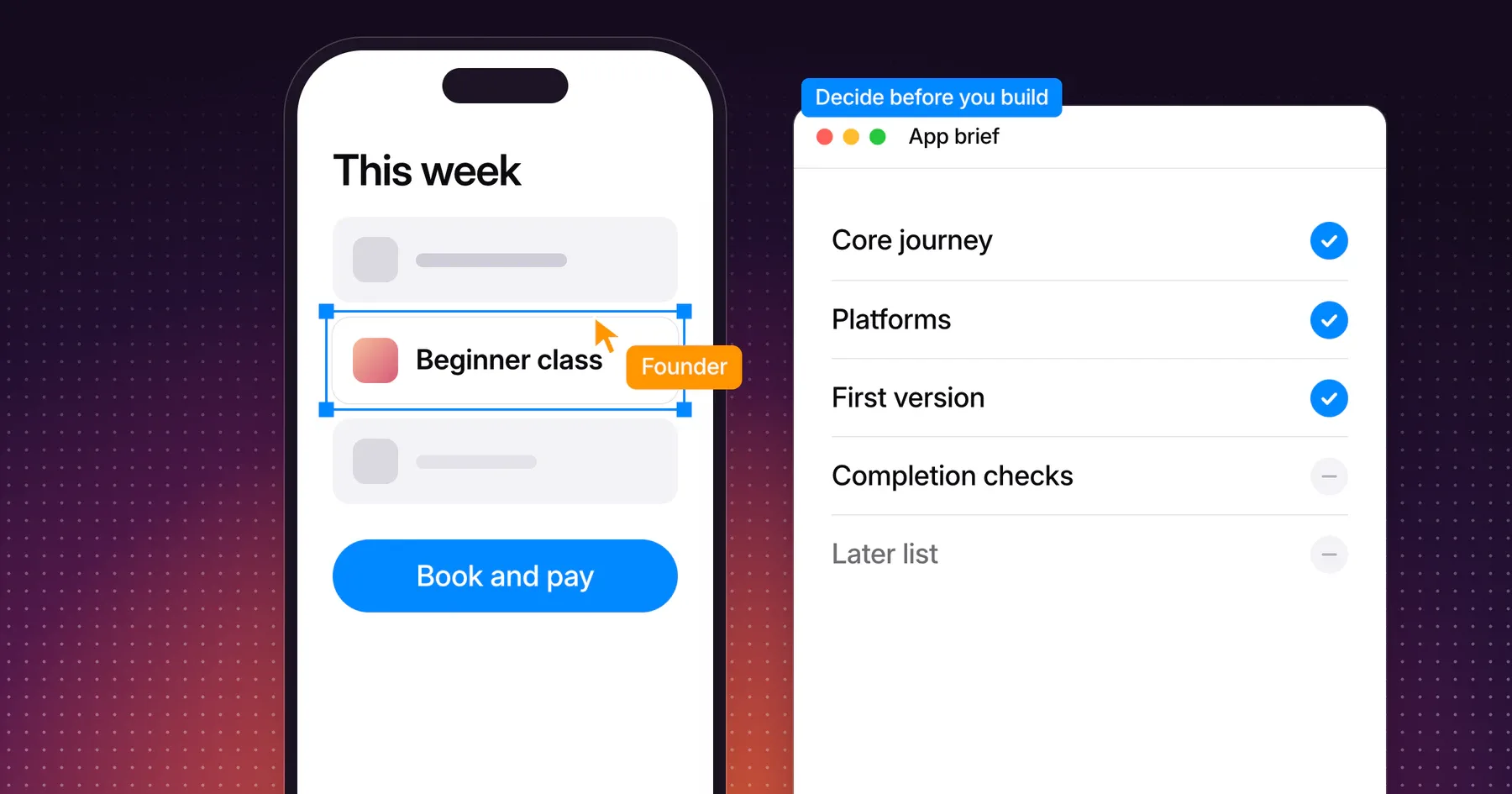
A mobile app development brief defines five things before anyone designs or builds: one complete user journey, the platforms the app must reach, the data and services behind it, what belongs in the first version and how everyone will know that version is finished. A brief that settles these lets a studio estimate real work, and it keeps the first version small enough to ship.
This guide is for founders planning a first app or a first rebuild. It walks through each decision with a fictional example, shows the App Store and Google Play rules that change scope, and ends with a brief template you can copy. It covers the build brief itself. Market research and product discovery come before it.
Define one complete user journey
Write the first version around one journey a real person completes from start to finish. A journey shows which screens, data and states the app needs. A feature list only names them.
The examples in this guide use a fictional app for an independent climbing gym. Members book a class, pay for it, get a reminder and check in at the front desk. The gym has no app today and takes bookings by email.
| Step | What the member does | What the app needs | States to design |
|---|---|---|---|
| 1 | Opens the app for the first time | Sign-in or account creation | First launch, sign-in failed |
| 2 | Finds a beginner class this week | Class schedule from the gym’s booking system | Loading, no classes, offline |
| 3 | Books a place and pays | Payment, booking record | Payment failed, class full |
| 4 | Gets a reminder the day before | Push notification permission and scheduling | Permission declined |
| 5 | Checks in at the front desk | A booking the desk can verify | Booking canceled, wrong day |
Each row becomes a set of screens and behavior. The states column matters as much as the steps. An app that only handles the happy path reaches testing with half its screens missing, and empty, loading and failure states are where first versions feel unfinished.
Pick the journey that proves the app is worth having. For the gym, booking and paying is the reason the app exists. Profile photos and class reviews are not.
List platform, data and integration decisions
Answer every question below in the brief. Each answer changes the scope, and each one left open becomes a surprise during the build.
| Decision | Questions to answer | Example answer for the gym app |
|---|---|---|
| Platform | iPhone, Android or both? Phone only, or tablet too? | iPhone and Android phones |
| Accounts | Do people need an account? How do they sign in? | Email sign-in, with Sign in with Apple on iPhone |
| Data | Where does the data live, and who owns that system? | The gym’s existing booking system, through its API |
| Payments | What do people pay for? Is it digital content or a real-world service? | Class places, a real-world service |
| Notifications | What triggers a message, and who writes it? | A reminder 24 hours before each class |
| Offline use | What should still work without a connection? | The booking confirmation for check-in |
| Privacy | What personal data does the app collect, and why? | Name, email, booking history |
| Ownership | Who owns the store accounts, source code and service access? | The gym owns every account from day one |
State existing systems by name. “We use a booking system” asks the studio to guess, while naming the product, the access you hold and the person who manages it lets the studio check the integration before quoting it.
Store rules that shape the first version
App Store and Google Play rules turn into screens, tasks and calendar time. Put the ones that apply in the brief, because they belong in the first version, not in a later release.
| Rule | Source | What it adds to the brief |
|---|---|---|
| Apps that let people create an account must let them delete it from inside the app | App Review Guidelines 5.1.1(v) | An account deletion flow, plus the backend work to delete the account record and its personal data |
| An app that uses a third-party login for the main account must also offer an equivalent login that limits data to name and email | App Review Guidelines 4.8 | A second sign-in option, often Sign in with Apple, wherever Google or social login is planned |
| Every app links to its privacy policy in its store listing and inside the app | App Review Guidelines 5.1.1(i) | A written privacy policy and a link in the app |
| Unlocking features or content in the app requires in-app purchase | App Review Guidelines 3.1.1 | A clear answer on what people pay for before the payment flow is designed |
| Apps with a login need a demo account and a live backend during review | App Review Guidelines 2.1 | A review account and a running server before submission |
| Every app published on Google Play completes the Data safety form, even when it collects no data | Play Console Help | A record of what data the app and its SDKs collect and share |
| New personal developer accounts run a closed test with at least 12 testers for 14 days before production access | Play Console Help | Testers recruited in advance and at least two weeks in the Android schedule |
Apple’s account deletion guidance also states that only deactivating an account is not enough. For the gym app, these rows add a deletion flow, Sign in with Apple, a privacy policy, a reviewer account and a 12-person test group. None of them is a new idea, and all of them belong in the first estimate.
Separate included features from future ideas
Include a feature in the first version only when the journey breaks without it. Everything else goes on a Later list in the same brief, with the reason it can wait.
| Feature | First version | Reason |
|---|---|---|
| Class schedule and booking | Included | The journey starts here |
| Payment for a class place | Included | Members cannot book without it |
| Booking reminder | Included | It is the main reason to use the app over email |
| Check-in confirmation | Included | The desk needs to verify the booking |
| Account deletion | Included | Store rule for apps with accounts |
| Membership plans | Later | Single class bookings prove demand first |
| Waiting list for full classes | Later | Valuable once classes regularly fill |
| Coach profiles | Later | The website already covers them |
| In-app chat with the gym | Later | Email and phone work today |
A Later list is useful scope, not a rejection. It tells the studio what the architecture should leave room for, and it gives you an honest answer when someone asks why a feature is missing.
When the first version still feels large, split it by journey instead of by screen. One journey that works end to end teaches you more than three half-built ones.
Choose the delivery endpoint
Name the state the work ends in. A design prototype, a working test version and a store-published app are different deliverables with different costs, and a brief that says “build the app” leaves the endpoint open to interpretation.
| Endpoint | What you receive | What it answers |
|---|---|---|
| Clickable prototype | Linked screens for the journey, in a design tool | Is the flow clear to the people who will use it? |
| Working test version | A build installed through TestFlight or a Google Play test track | Does the journey work with real data on real phones? |
| Store release | The app live on the App Store, Google Play or both | Will people find, install and use it? |
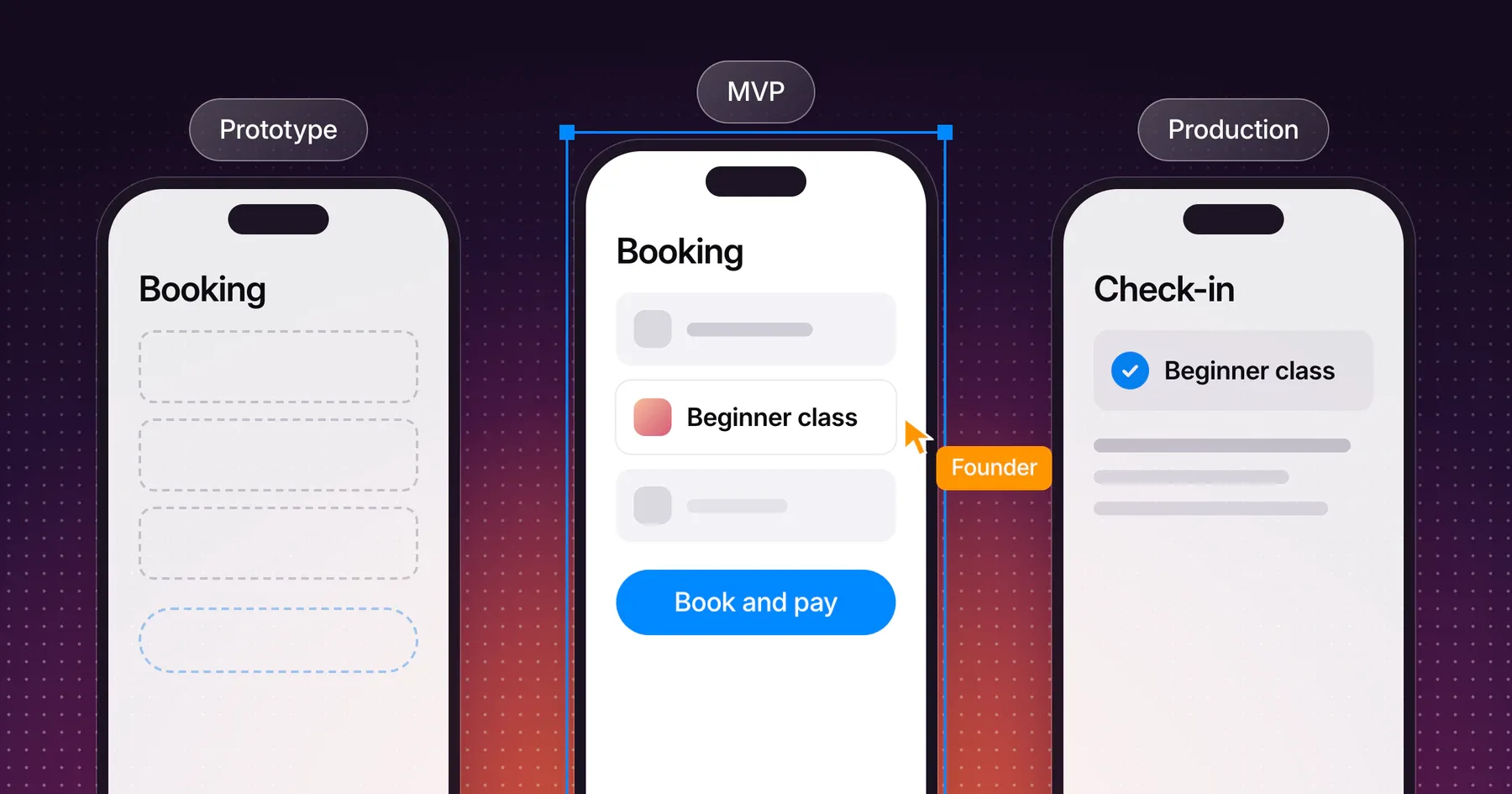
To decide which endpoint fits your next step, compare a prototype, MVP or production app by the question each one answers.
TestFlight supports up to 100 internal testers from your team and up to 10,000 external testers, and the first build for external testers goes through App Review. Plan who will test each endpoint before the build starts, since recruiting testers takes longer than installing a build.
Write the ownership terms next to the endpoint. Design files, source code, developer accounts and service access each need an owner and a handover date. Platform fees, hosting, API usage and other services are billed separately from the engagement, so list who pays for each.
Write observable completion checks
Describe done as things anyone can check on a phone. “The booking flow works” is an opinion. “A member books and pays for a class on an iPhone and an Android phone, and the booking appears in the gym’s system within a minute” is a check.
| Area | Completion check for the gym app |
|---|---|
| Journey | A new member creates an account, books and pays for a class, and sees the confirmation |
| Failure states | A declined card shows a clear message and keeps the class selection |
| Empty states | A week with no classes shows a message and a link to the next week |
| Notifications | A booked member receives the reminder 24 hours before the class |
| Offline | The confirmation opens without a connection |
| Account deletion | A member deletes their account in the app, and the record is removed from the backend |
| Devices | The journey passes on the agreed iPhone and Android test devices |
| Store readiness | The privacy policy link, reviewer account and Data safety answers are ready |
Agree the test devices and the review environment in the brief. Also agree who runs the checks and who signs off. Record known limitations at delivery so the next version starts from facts.
Copy the mobile app brief template
Fill in each row in plain words. Short, specific answers beat long descriptions, and “not decided yet” is a useful answer because it shows the studio where help is needed.
| Section | What to write |
|---|---|
| Purpose | One sentence on what the app helps people do and why it beats the current way |
| Users | Who uses the first version, and in what situation |
| Core journey | The steps from opening the app to the result, with the states each step needs |
| Platforms | iPhone, Android or both, phone or tablet, and why |
| Accounts and sign-in | Whether accounts exist, and every sign-in method |
| Data and systems | Where data lives, existing systems by name and who manages access |
| Payments | What people pay for and how |
| Notifications | What triggers each message |
| Privacy | Personal data collected, its purpose and the privacy policy owner |
| First version | Features included, each tied to a journey step |
| Later list | Features deferred, each with its reason |
| Delivery endpoint | Prototype, test version or store release |
| Completion checks | Observable checks, test devices and who signs off |
| Ownership | Owner of the code, design files, store accounts and service access |
| Running costs | Services that bill separately and who pays for them |
| Timing | Fixed dates, such as a launch event, and the reason behind each |
A brief like this fits on two pages. Send it before the first call, and the call can go straight to the trade-offs.
Frequently asked questions
What should a mobile app development brief include?
A mobile app development brief includes the app’s purpose, its users, one complete user journey, platforms, data and integrations, the first-version feature list, a Later list, the delivery endpoint, completion checks and the ownership of code and accounts.
How long should an app brief be?
One to two pages. The brief records decisions, while a long specification describes every screen. A studio can estimate from clear decisions and help write the detailed specification during design.
Do I need to choose between iPhone and Android before talking to a studio?
Choose based on your users. If the people in your core journey use both, name both in the brief. If you are unsure, write down what you know about your users’ phones and let the studio explain how each choice changes the scope.
Should I include a budget in the brief?
Include a range if you have one. A range tells the studio whether to propose a prototype, a test version or a full release, and it saves a round of estimates that miss your situation.
What is the difference between a prototype and an MVP?
A prototype examines a particular flow or assumption. An MVP is a limited version that real people use. The delivery endpoint in your brief decides which one you are asking for.
Discuss your mobile app brief
Bring your draft brief, even with open rows. Explore how Gestures approaches mobile app design and development, and we can work through the journey, the platform decisions and the first version together.
Working through a decision like this?
Bring your current product or website and we can discuss what needs attention.
Keep reading